Bit Conversation Need
Business data processing was done using unit record equipment and punched cards, most commonly the 80-column variety employed by IBM, which dominated the industry. Many tricks were used to squeeze needed data into fixed-field 80-character records. Saving two digits for every date field was significant in this effort.
In the 1960s, computer memory and mass storage were scarce and expensive. Early core memory cost one dollar per bit. Popular commercial computers, such as the IBM 1401, shipped with as little as 2 kilobytes of memory.[a] Programs often mimicked card processing techniques. Commercial programming languages of the time, such as COBOL and RPG, processed numbers in their character representations. Over time, the punched cards were converted to magnetic tape and then disc files, but the structure of the data usually changed very little.
Data was still input using punched cards until the mid-1970s. Machine architectures, programming languages and application designs were evolving rapidly. Neither managers nor programmers of that time expected their programs to remain in use for many decades, and the possibility that these programs would both remain in use and cause problems when interacting with databases - a new type of program with different characteristics - went largely uncommented upon.
Resulting Bugs From Date Programming
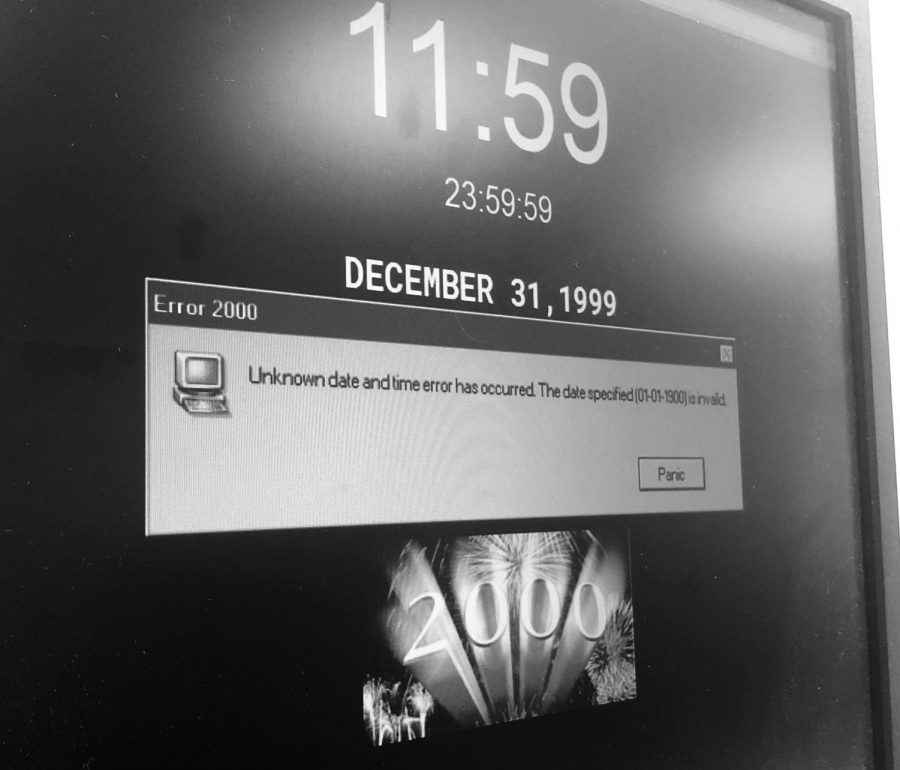
Storage of a combined date and time within a fixed binary field is often considered a solution, but the possibility for software to misinterpret dates remains because such date and time representations must be relative to some known origin. Rollover of such systems is still a problem but can happen at varying dates and can fail in various ways. For example:
An upscale grocer's 1997 credit-card caused crash of their 10 cash registers, repeatedly, due to year 2000 expiration dates, and was the source of the first Y2K-related lawsuit.
The Microsoft Excel spreadsheet program had a very elementary Y2K problem: Excel (in both Windows and Mac versions, when they are set to start at 1900) incorrectly set the year 1900 as a leap year for compatibility with Lotus 1-2-3.[27] In addition, the years 2100, 2200, and so on, were regarded as leap years. This bug was fixed in later versions, but since the epoch of the Excel timestamp was set to the meaningless date of 0 January 1900 in previous versions, the year 1900 is still regarded as a leap year to maintain backward compatibility.
In the C programming language, the standard library function to extract the year from a timestamp returns the year minus 1900. Many programs using functions from C, such as Perl and Java, two programming languages widely used in web development, incorrectly treated this value as the last two digits of the year. On the web this was usually a harmless presentation bug, but it did cause many dynamically generated web pages to display 1 January 2000 as "1/1/19100", "1/1/100", or other variants, depending on the display format.
JavaScript was changed due to concerns over the Y2K bug, and the return value for years changed and thus differed between versions from sometimes being a four digit representation and sometimes a two-digit representation forcing programmers to rewrite already working code to make sure web pages worked for all versions
Older applications written for the commonly used UNIX Source Code Control System failed to handle years that began with the digit "2".
In the Windows 3.x file manager, dates displayed as 1/1/19:0 for 1/1/2000 (because the colon is the character after "9" in the ASCII character set). An update was available.
Some software, such as Math Blaster Episode I: In Search of Spot which only treats years as two-digit values instead of four, will give a given year as "1900", "1901", and so on, depending on the last two digits of the present year.

Several very different approaches were used to solve the year 2000 problem in legacy systems. Several of them follow:
Date Expansion: Two-digit years were expanded to include the century (becoming four-digit years) in programs, files, and databases. This was considered the "purest" solution, resulting in unambiguous dates that are permanent and easy to maintain. This method was costly, requiring massive testing and conversion efforts, and usually affecting entire systems.
Date Windowing: Two-digit years were retained, and programs determined the century value only when needed for particular functions, such as date comparisons and calculations. (The century "window" refers to the 100-year period to which a date belongs.) This technique, which required installing small patches of code into programs, was simpler to test and implement than date expansion, thus much less costly. While not a permanent solution, windowing fixes were usually designed to work for many decades. This was thought acceptable, as older legacy systems tend to eventually get replaced by newer technology
Date Compression: Dates can be compressed into binary 14-bit numbers. This allows retention of data structure alignment, using an integer value for years. Such a scheme is capable of representing 16384 different years; the exact scheme varies by the selection of epoch.
Date Re-partitioning: In legacy databases whose size could not be economically changed, six-digit year/month/day codes were converted to three-digit years (with 1999 represented as 099 and 2001 represented as 101, etc.) and three-digit days (ordinal date in year). Only input and output instructions for the date fields had to be modified, but most other date operations and whole record operations required no change. This delays the eventual roll-over problem to the end of the year 2899.
Software Kits: Software kits, such as those listed in CNN.com's Top 10 Y2K fixes for your PC: ("most ... free") which was topped by the $50 Millennium Bug Kit.
Bridge Programs: Date servers where Call statements are used to access, add or update date fields.